





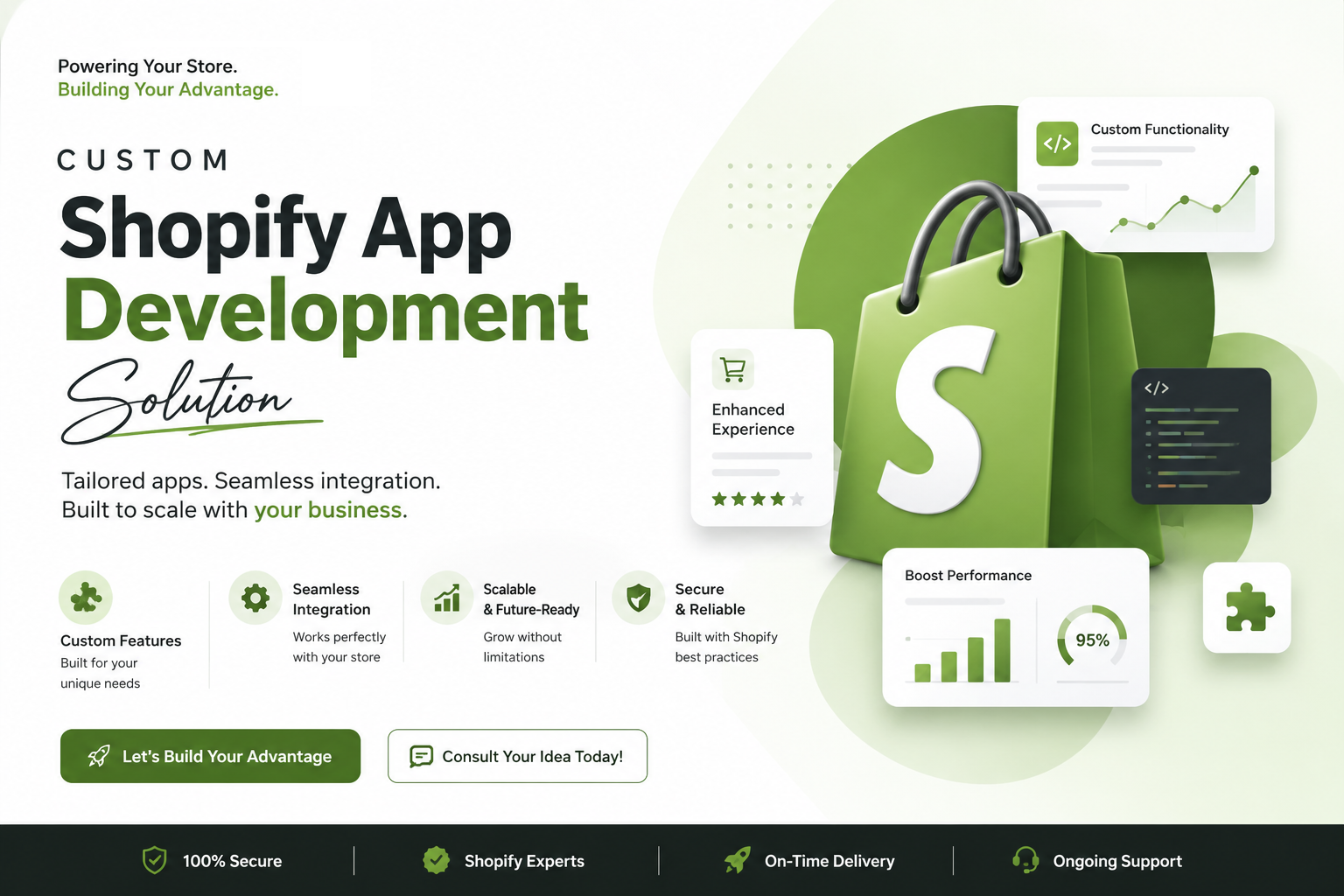
Custom Shopify App
Development Solution
Our certified Shopify App developers hold years of experience in developing custom Shopify apps that have facilitated various organizations to design and integrate fresh and custom features and functions into their eCommerce stores.
A Shopify store includes various features and functionalities that not only offer the sellers the cloud-based systems and themes but also permit the merchants to sell online their products. Already born with lots of eCommerce features, such as shipping returns, shopping carts, hosting, and others, the importance and role of the Shopify app is unavoidable. When it comes to enhancing the functional reach of a Shopify store and appending a set of features and services into a store, we can’t miss the Shopify apps.
Our Shopify app developers are experienced at delivering various Shopify custom apps that have assisted various brands to design and integrate features and functions as per their business needs into their Stores. We follow the best industry practices to develop fully-functional and feature-rich Shopify apps. As our team of experts are widely known for our technical experience and expertise, we offer our clients the best Shopify app development services.
Shopify App Development
Services
Our team of experts understand the needs of our clients and come up with the fully-functional Custom Shopify App.
Shopify Theme Customization
Customize existing Shopify themes by modifying layouts, sections, templates, colors, typography, features, and functionality.
Shopify Store Development
Create a complete Shopify online store with a professional design, optimized navigation, product pages, collections, checkout, and essential integrations.
Shopify Theme Development
Develop custom Shopify themes that match your brand identity and provide a unique shopping experience across desktop, tablet, and mobile devices.
Shopify App Development
Build custom Shopify apps to add advanced functionality and automate specific business processes that are not available through standard Shopify features.
Shopify Store Migration
Migrate your existing eCommerce website from platforms such as WooCommerce, Magento, Wix, or other platforms to Shopify with a structured migration process.
Shopify API Integration
Connect your Shopify store with CRM, ERP, payment gateways, shipping systems, inventory tools, marketing platforms, and other third-party applications.
Shopify Plus Development
Develop scalable and advanced eCommerce solutions for growing businesses using Shopify Plus, including custom functionality, automation, integrations, and multi-store solutions.
Shopify Headless Development
Create flexible and high-performance headless commerce experiences by connecting Shopify’s commerce capabilities with modern frontend technologies.
Shopify Speed Optimization
Improve Shopify store performance by optimizing images, scripts, apps, code, and page elements to provide faster loading times and a better user experience.
Shopify Bug Fixing
Identify and resolve Shopify store issues, theme errors, JavaScript problems, app conflicts, checkout issues, responsive design problems, and other technical bugs.
Shopify Customization & Maintenance
Keep your Shopify store updated, secure, functional, and optimized with ongoing maintenance, feature enhancements, troubleshooting, and technical support.
FAQ
What is Shopify?
Shopify is a leading e-commerce platform that allows individuals and businesses to create their own online stores. It provides a wide range of tools to manage products, payments, shipping, and more.
What is a Shopify app?
How do I create a Shopify store?
To create a Shopify store:
- Go to Shopify’s website.
- Sign up for an account.
- Follow the on-screen instructions to set up your store, including adding products, customizing the design, and configuring settings.
Can I use my own domain name with Shopify?
What themes are available for Shopify stores?
How do I start developing a Shopify app?
To start developing a Shopify app:
- Sign up as a Shopify Partner at partners.shopify.com.
- Create a new app in your Partner Dashboard.
- Set up your development environment using Shopify’s API and development tools.
What programming languages are used to develop Shopify apps?
Shopify apps can be developed using various programming languages, with Ruby on Rails, Node.js, and PHP being popular choices. Shopify also provides SDKs and libraries for these languages.
What is the Shopify API?
The Shopify API is a set of HTTP-based interfaces that allow developers to interact with Shopify’s platform programmatically. It includes REST and GraphQL APIs for accessing and managing store data.
How do I use webhooks in Shopify?
Webhooks are used to receive real-time notifications about events in a Shopify store. You can register webhooks via the Shopify Admin or API and specify a URL to receive the payload when an event occurs.
How can I customize the look and feel of my Shopify store?
You can customize your store using the Shopify Theme Editor, which allows you to change colors, fonts, and layout without any coding. For advanced customization, you can edit the theme’s Liquid templates, CSS, and JavaScript files.
What is Liquid in Shopify?
Liquid is Shopify’s templating language used to create dynamic content in themes. It allows you to insert variables, create loops, and control logic in your theme files.
Have a project or idea?
We’d love to build something great together. Tell us about your vision and let’s
make it happen.